How to Put a Link in Your TikTok Bio: A Step-by-Step Guide
Exactly how to add a clickable link to your TikTok bio, what the eligibility requirements are, common reasons the field doesn't appear, and how to get more from the one link TikTok gives you.
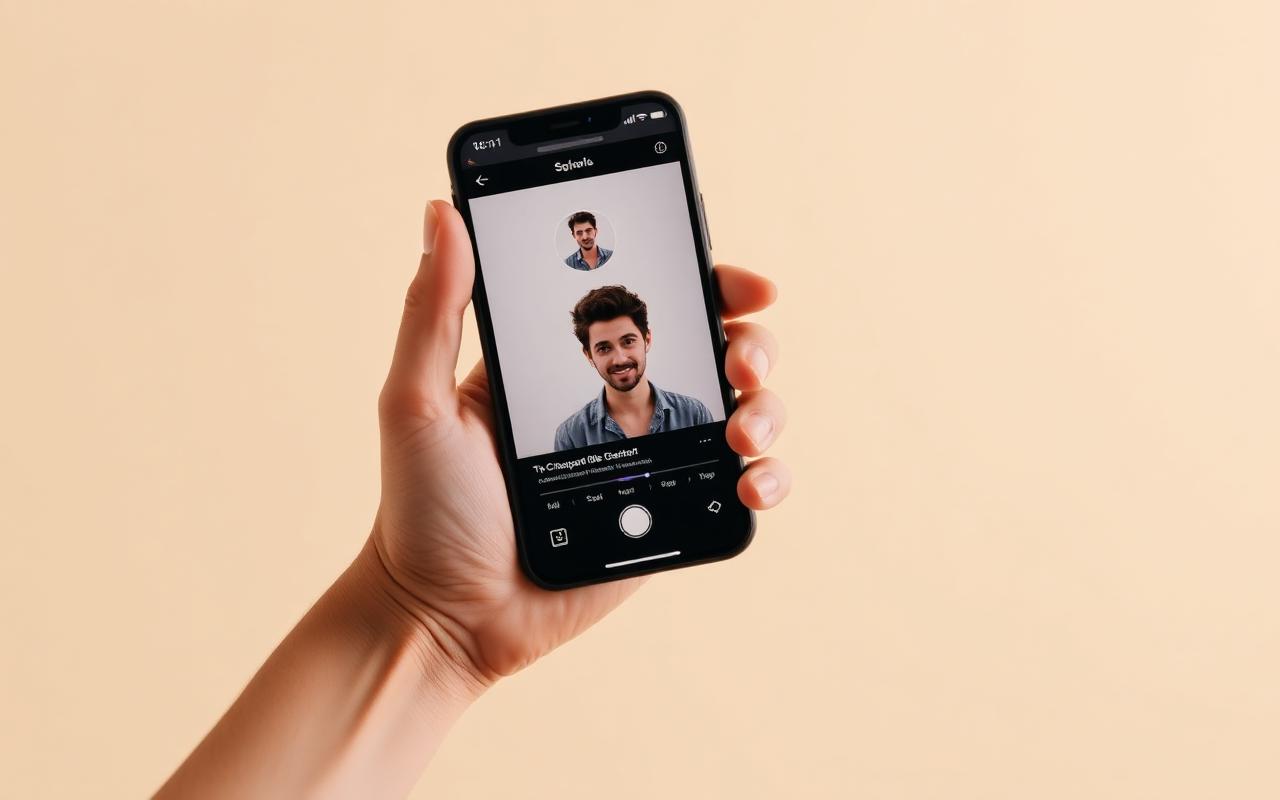
TikTok gives every account exactly one clickable link in the bio. That single URL is the only durable path a viewer has from the For You page to anything you own — your email list, your shop, your calendar. This guide walks through how to add it, why it sometimes doesn't appear, and how to make that one link do the work of five.
The short answer
Open TikTok → profile → Edit profile → Website. Paste a full https:// URL and save. Personal accounts often need about 1,000 followers before the field appears; a Business account can usually add a link immediately. Do not paste a raw product URL — send traffic to a hub that can capture email and check out on the same page.
The eligibility rules, first
TikTok has quietly loosened the requirements for adding a link to a bio, but they still exist. In the current version of the app, most personal accounts can add a link once they've reached 1,000 followers and have been active for a few days. Business accounts can typically add a link immediately after switching over. If you don't see the Website field, one of those two conditions is almost always the reason.
If you're brand new, the fastest path is to switch to a Business account under Settings and privacy → Account → Switch to Business Account. This unlocks the link field without needing to hit the follower threshold.
Adding the link, step by step
- Open the TikTok app and go to your profile.
- Tap Edit profile.
- Scroll to the Website field. If it's greyed out or missing, see the eligibility section above.
- Paste the full URL you want to send visitors to, including the https:// prefix.
- Tap Save. The link becomes tappable for every visitor to your profile within a few seconds.

Don't waste the click
If you drop a raw link to a single product, roughly 80% of the traffic you spent months earning will bounce because they weren't ready to buy in that moment. The people who arrived to hear you talk aren't necessarily the people ready to check out. That's why a hub page — a link-in-bio — outperforms a direct product link almost every time.
A good hub gives the visitor a menu of next steps: newest video, newsletter signup, product to buy, upcoming event. The visitor who wasn't ready to buy still leaves you with an email address, which is worth roughly 100× that same visitor a year from now.
A better setup in three minutes
- Sign up for a Paage from your phone and pick a paa.ge handle.
- Add three or four core links: your newest content, your shop, your about page.
- Add a signup block above the links so viewers who aren't buying today still join your list.
- Add one native product — a digital download, a paid event or a gift card. This gives the visitor something concrete to say yes to.
- Copy your paa.ge URL, paste it into TikTok's Website field, and hit Save.
Common problems
The Website field is missing
You haven't hit the eligibility threshold yet. Switch to a Business account temporarily to unlock the field immediately. You can always switch back after your account crosses 1,000 followers.
The link saves but isn't clickable
TikTok occasionally flags URLs from domains it doesn't recognize. Using a well-known link-in-bio host like paa.ge or linktr.ee sidesteps this because those domains are already on TikTok's allowlist.
The link works but nobody clicks it
Almost always a content problem, not a link problem. Every video should mention something the viewer would need to open your bio to find — a template, a free guide, an event date. Naming the specific thing on the page is what converts a view into a tap.
How to measure whether it's working
Track two numbers over the first thirty days: unique visitors to your link-in-bio page and email signups from that page. If both are climbing every week, the funnel is working and you should keep pushing content. If visits are up but signups aren't, the freebie or the signup copy is the problem, not the traffic.
Frequently asked questions
Can I add more than one link on TikTok?
Not in the bio. Some regions test extra profile links, but you should plan for one URL. That is why a hub exists. Stories and some ads can carry their own links; the profile field is still the durable one.
Should the URL be paa.ge, linktr.ee, or my own domain?
TikTok is picky about unknown domains. Established hosts like paa.ge and linktr.ee are the path of least resistance. A custom domain is nicer for branding once you are past eligibility issues — Paage and Beacons support that on paid plans; Linktree still does not.
Why did my TikTok bio link stop getting taps?
Usually the videos stopped naming a specific thing on the page. "Link in bio" as a habit converts worse than "the hook template is the first button." Check that the top of the hub still matches what you are filming this week.
What to paste into the field
Paste a hub, not a raw product URL and not a homepage with a carousel. The visitor who arrived from a 12-second video will not hunt. A Paage with a signup block, one product and three links is the shape we would use. Linktree is the shape if you only need a menu and already have Shopify. Unknown custom domains get flagged more often than paa.ge or linktr.ee while the account is young.
After it is live
Say the specific object on the page in the video. Check unique visitors and signups over 30 days. If the field disappears after switching account types, switch back to Business, paste the URL again, and wait — TikTok's eligibility UI is still the most common support ticket in this category.