The Best Link in Bio Tool for Instagram in 2026
Instagram gives you one bio link plus five Story link stickers. That's real estate a bad link-in-bio tool wastes. Here is how to pick one that turns Instagram followers into subscribers and customers.
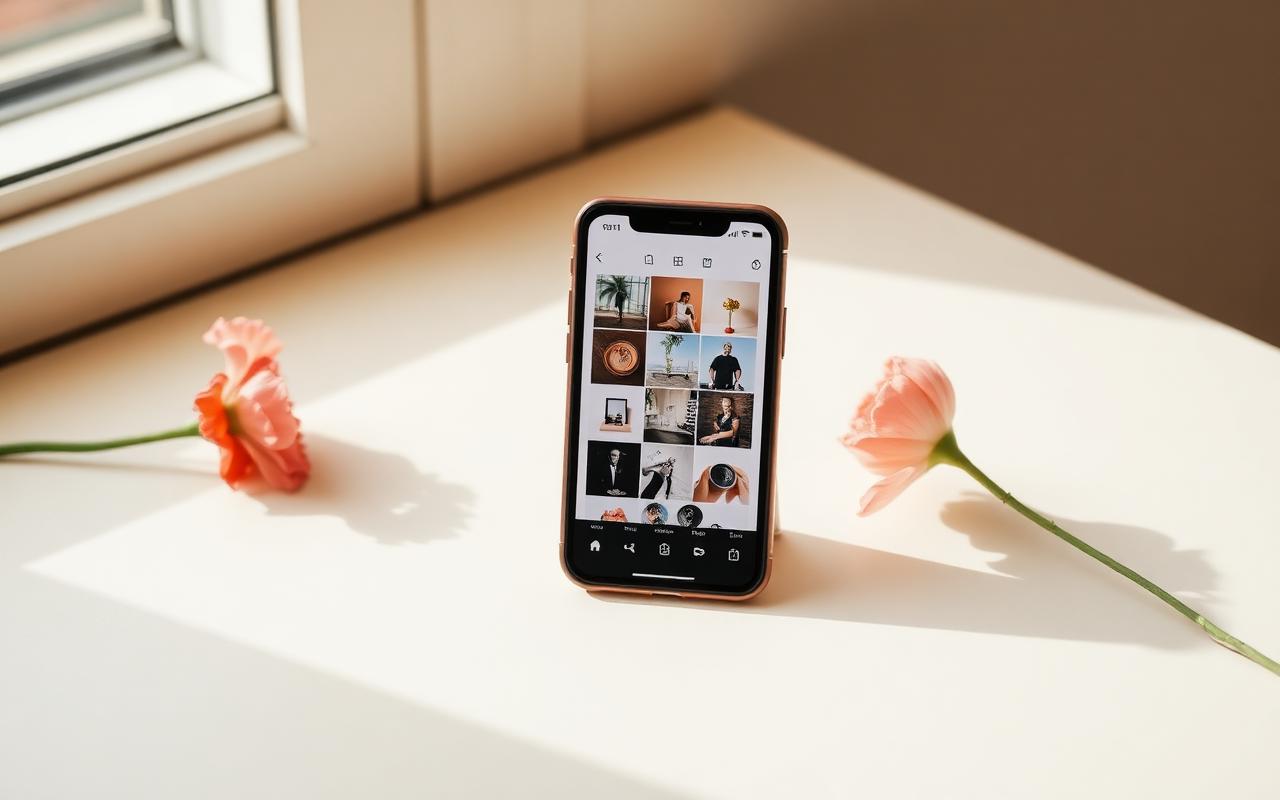
Instagram is more forgiving than TikTok in one important way: creators get five link stickers per Story on top of the one profile link. That's meaningfully more surface area for driving action. The catch is that Instagram traffic is also, in our testing, more skeptical — the average visitor scrolled longer before tapping and expected a more polished landing page when they did.
That combination of higher surface area and higher expectations shapes what a good link-in-bio tool looks like specifically for Instagram.
What to look for
- Fast mobile page loads. Roughly 99% of Instagram traffic is mobile, and most of it lands through the in-app browser.
- A native storefront so buyers can check out on the same page, not two redirects later.
- Email capture — Instagram can throttle, shadowban or lock accounts overnight, and the email list is the only thing that survives it.
- Clean visual design that matches your feed. Instagram audiences notice a jarring aesthetic switch on the tap-through.
- Support for updating the featured content quickly. The rhythm of Instagram is a launch every week or two, and the bio page needs to keep up.
Our top pick: Paage
Paage's design system is where it separates itself for Instagram specifically. The default page comes out looking like something a designer built, not something a template dropped. The typography, the spacing, the way images are cropped — all of it holds up against the feed a follower just left. That matters more on Instagram than any other platform.
The other Instagram-specific win is that the native checkout lives on the same page as the link menu. When a creator promotes a limited-edition print in a Story, the link sticker sends the viewer straight to a Paage where the print and the checkout are already open. No second page load. That's the single biggest lever we've seen for improving Story-driven sales.
Second choice: Beacons
Beacons deserves an honest mention here because it is the closest competitor to Paage on paper for Instagram creators — bundled email, bundled store, custom domains. If you're comfortable with a busier interface and willing to commit to the paid tier immediately to unlock useful limits, it's a defensible pick.
Third choice: Linktree
Linktree remains the safe, recognized default. If your Instagram audience is small and you don't sell yet, it does the job. The moment you're running product launches, though, you'll bolt on Shopify for the store and Mailchimp for the list, and end up paying three subscriptions for what a single Paage does natively.
The setup we'd recommend for Instagram
- Set up a link-in-bio page with your paa.ge or linktr.ee URL and paste it into the Website field.
- Put one high-quality header image at the top — the same style as your feed.
- Pin your currently launched product or freebie as the top link.
- Below that: three to four evergreen links (shop, about, newest content, newsletter).
- Keep a signup block visible without scrolling. Story-sticker traffic almost never scrolls a link page.
- When you post Stories, use the link sticker as often as the story-count allows and always link to the same hub — repetition trains the audience to know where the link goes.
What a good Instagram bio link looks like in practice
The strongest pages we tested read like a mini landing page, not a directory. A short line of positioning at the top. One image that matches the feed. One highlighted product or freebie with a clear promise. Two or three secondary links. Signup block underneath. That's it. Five well-chosen elements consistently out-performed twelve.
Profile link vs Story stickers
The Website field is the always-on storefront. Story stickers are the weekly promotion. Point both at the same hub and pin this week's SKU or magnet at the top. Sending sticker traffic to a different Shopify product every day teaches nobody the path. Instagram gives you more surface area than TikTok; wasting it on five unrelated destinations is how you look busy and convert nothing.
Design that does not bounce feed traffic
Instagram visitors notice a theme clash faster than TikTok visitors. If the feed is muted and editorial, a neon button stack breaks trust. Match type, spacing and image crop to the grid. Paage's defaults held up better in that test than a default Linktree theme. Komi is the pretty-page specialist if selling is secondary and the portfolio is the product.
Frequently asked questions
Can I add more than one link on Instagram?
One Website field on the profile, plus Story link stickers. Some accounts also see extra profile links in tests; plan for one durable URL. That is why a hub exists.
Should Stories go to a different page?
No. Same hub, different featured block. You want muscle memory, not a scavenger hunt.
Is Linktree still fine for Instagram?
Yes if you only need a menu. The moment Stories are selling, native checkout and a form on the first screen beat a fast list that dumps people on Shopify.
Verdict
For Instagram, we would run Paage as the profile URL and the Story sticker destination: form, product and three evergreen links. Beacons if you need a media kit this week and will pay. Linktree if you are not selling yet and the audience already types the URL.